What is a 404 Error?
The chances are that you’ve already encountered more than your fair share of 404 errors, but what are they? Whenever you request a page that doesn’t exist, you’ll see a 404 error.
It’s the most widely recognised error code on the internet, and is the underlying cause of every ‘page not found’ screen you’ve ever seen.
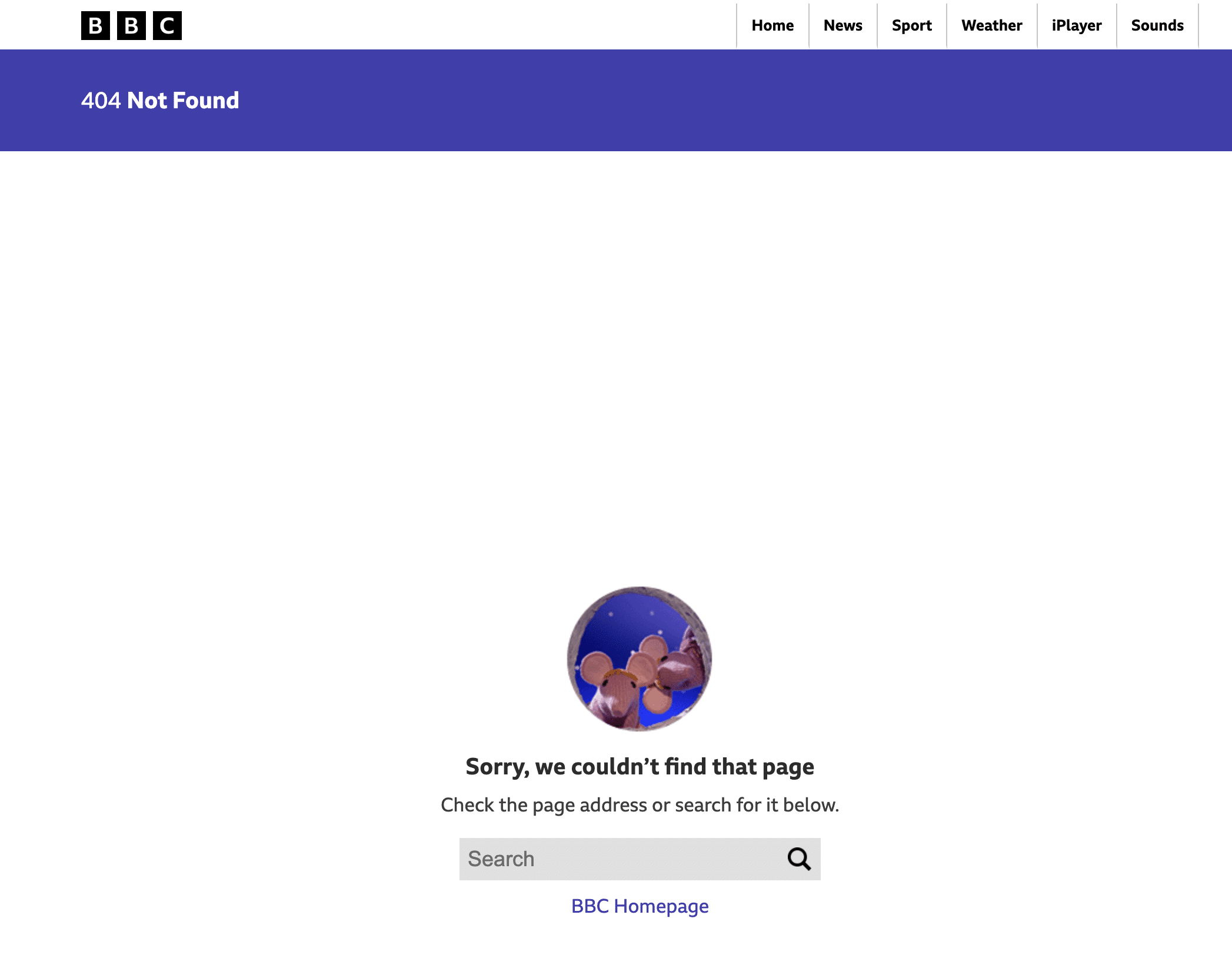
What Causes 404 Errors?
404 errors can be triggered when you try to navigate to a page that’s been deleted, or when you mistype a URL, or after you click on a broken link. These causes are extremely common throughout the internet and this error code is basically the server saying that it can’t find what you’re asking for.
If you’re an SEO specialist, 404s aren’t necessarily a bad thing. After all, the internet is always changing and pages can get removed at a rapid rate. As a result, Google has factored in the innocent errors that lead to visitors encountering a 404 and crawlers generally drop the affected URLs from their index without issuing a penalty to the rest of your website.
What this means is that if you encounter a 404, don’t panic. They happen.
When 404s Become a Problem
Things can get a little complicated when 404 errors begin appearing for important pages. If you have a page that’s earned plenty of backlinks, or has ranked well recently, and it’s begun throwing up 404s without a redirect, you risk losing all of the positive momentum that’s been generated while frustrating any visitors who click through to find the error message.back
Fortunately, common 404s are easy to fix, and you can implement a 301 redirect on the broken URL to the most relevant live page, allowing visitors to bypass the dead end and continue their browsing on your site.
You should also regularly audit for internal 404s that can be easily cleaned up with little hassle. Leaving these error messages can waste crawl budget, lead to a shoddy user experience, and give the impression of a website that’s poorly maintained.
Undertaking a crawl with tools like Screaming Frog or Ahrefs once a month or quarter can quickly identify page errors so that you can fix or remove the shoddy links.
How to Manage 404s
It can be worth your while to build a good custom 404 page. This means that when a visitor does land on a missing page, instead of a dead end, they can be presented with a search box, links to popular pages, or an option to return to your main navigation menu as a means of mitigating the risk of a bounceback.
While you certainly shouldn’t panic if you encounter a 404 on your website, it’s worth keeping an eye on the page that’s been affected. If you’re losing pages that have significant traffic links, always work to redirect visitors to something relevant with a 301.
You don’t have to constantly monitor for 404s, but regular audits will help to bypass a common customer pain point and encourage more time spent on site.
 194 customers signed up in the last 30 days




 hello@solvid.co.uk