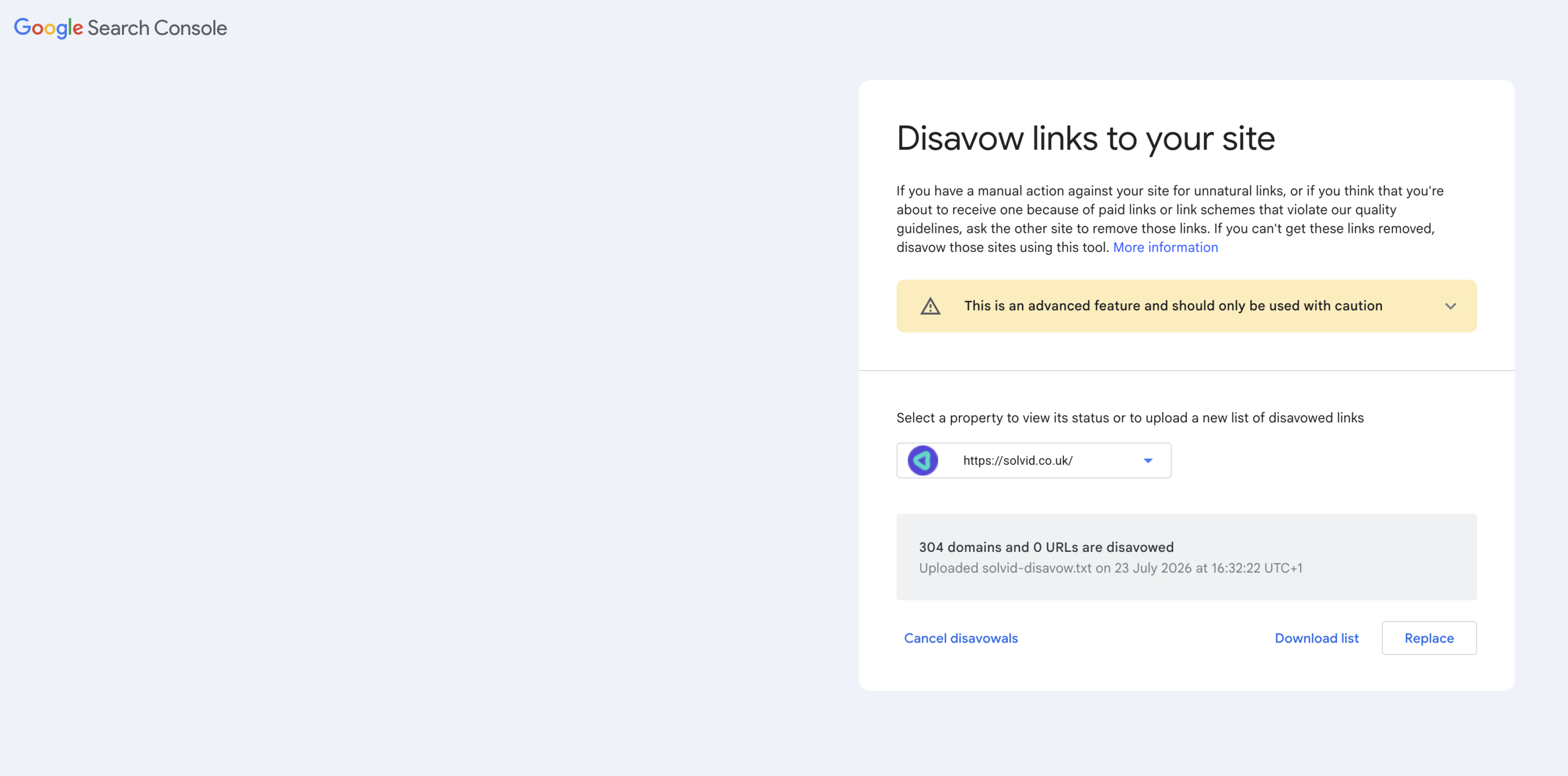
The disavow tool is a feature in Google Search Console that allows you to tell Google to ignore certain backlinks that point to your site when assessing it.
To do this, you submit a file that lists the links or domains that you want Google to disregard, allowing the search engine to treat them as if they aren’t there.
This tool exists for one main purpose, which is to ensure that site owners can deal with harmful or manipulative backlinks that they don’t want to see associated with their website.
Importance of Disavow
We can’t control who links to our pages, but as part of Google’s crackdown on manipulative linking, the disavow tool has been an asset for website owners who have been bogged down by harmful backlinks.
After the Penguin update, sites with toxic link profiles which could be the result of past black-hat link building or bought links needed a way to clean up their act to continue ranking.
Because it can be hard to physically remove bad links by contacting the site owner, the disavow tool offered a way to distance yourself from unwanted backlinks and let Google know that you did not endorse it.
If your site is recovering from a link-based manual penalty, the tool becomes an invaluable part of the clean up process.
When to Disavow
Here, it’s important to keep in mind that most website owners should never need to use the disavow tool. Google has become increasingly clued up on when to ignore low-quality or spammy links without any intervention.
Everyone accumulates spammy links from time to time, and in most cases, they’re discounted automatically. This means that manually disavowing each of them would accomplish nothing and could introduce new risks depending on what you’re looking to distance yourself from.
For instance, if you accidentally disavow good links, you can throw away the ranking value that they’re providing your pages, with no easy way to retrace your steps and reestablish the link.
Many website owners have done more harm than good by getting a little too carried away with disavowing links that they thought were suspicious but are actually supporting their SERPs.
Because the risks far outweigh the prospect of improving your rankings if you’re an otherwise healthy site, it’s far more practical to leave the disavow tool alone unless you’re confident that unwanted links are harming your pages.
When to Use Disavow
So, when should you resort to the disavow tool? There are two important situations that can require an intervention. Firstly, when you have received a manual action from Google for unnatural links and are required to clean them up as part of your recovery process. Secondly, when you have a known history of buying links or using other forms of manipulation which has left a toxic profile in its wake.
If these apply to you, conduct a careful audit to find your harmful links and attempt to remove them as a priority. Following these steps, a targeted disavow can be a functional tool to turn to.
Should these scenarios not apply to you, the best course of action is to do nothing. We’re talking about a refined scalpel for a specific type of surgery, rather than routine site maintenance. If you’re unsure, it’s best to leave disavow alone.
 194 customers signed up in the last 30 days




 hello@solvid.co.uk